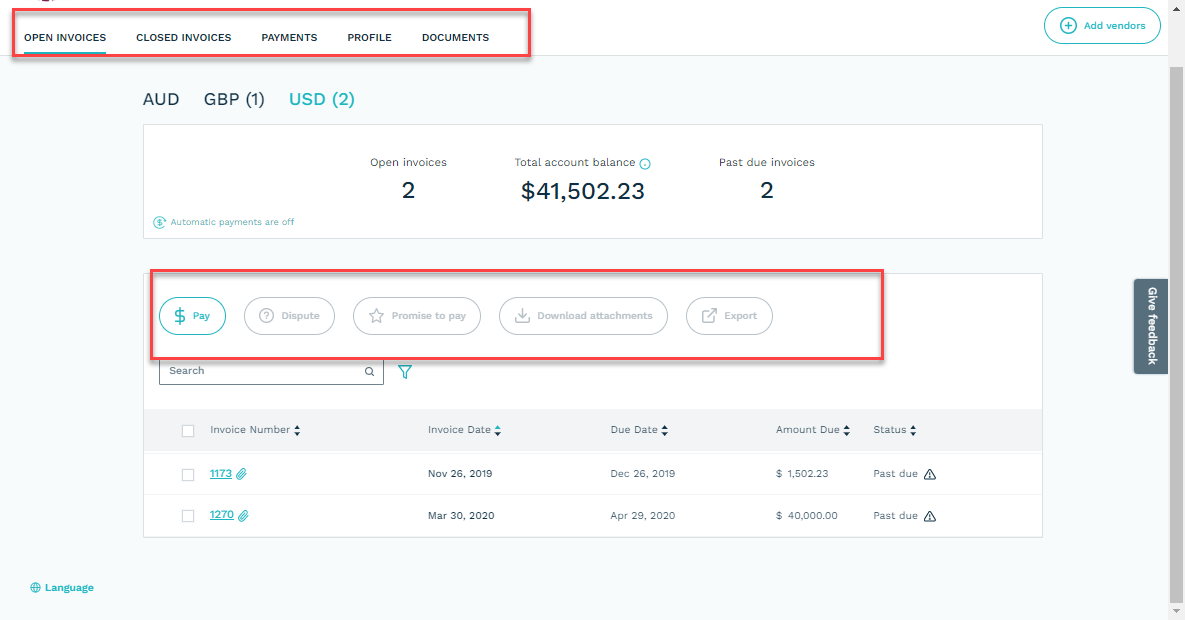
The Self Service customer portal includes pages for:
-
Open Invoices
-
Closed Invoices
-
Payments
-
Messages
-
Profile
-
Documents
Options to hide or disable the Closed Invoices, the Payments, and the Messages page along with all Self Service message, are found under site options:
-
Admin > Settings & Utilities > Site Options -> Option tab
-
Portal Menu Options, deselect:
-
CustInvoice to hide Closed Invoices
-
CustPayments to hide Payments

- To disable all messages, select 'Disable Send Message' option
-
All enabled:

Closed Invoices, and Payments disabled:

Disable Send message: